01
Orders arrive instantly
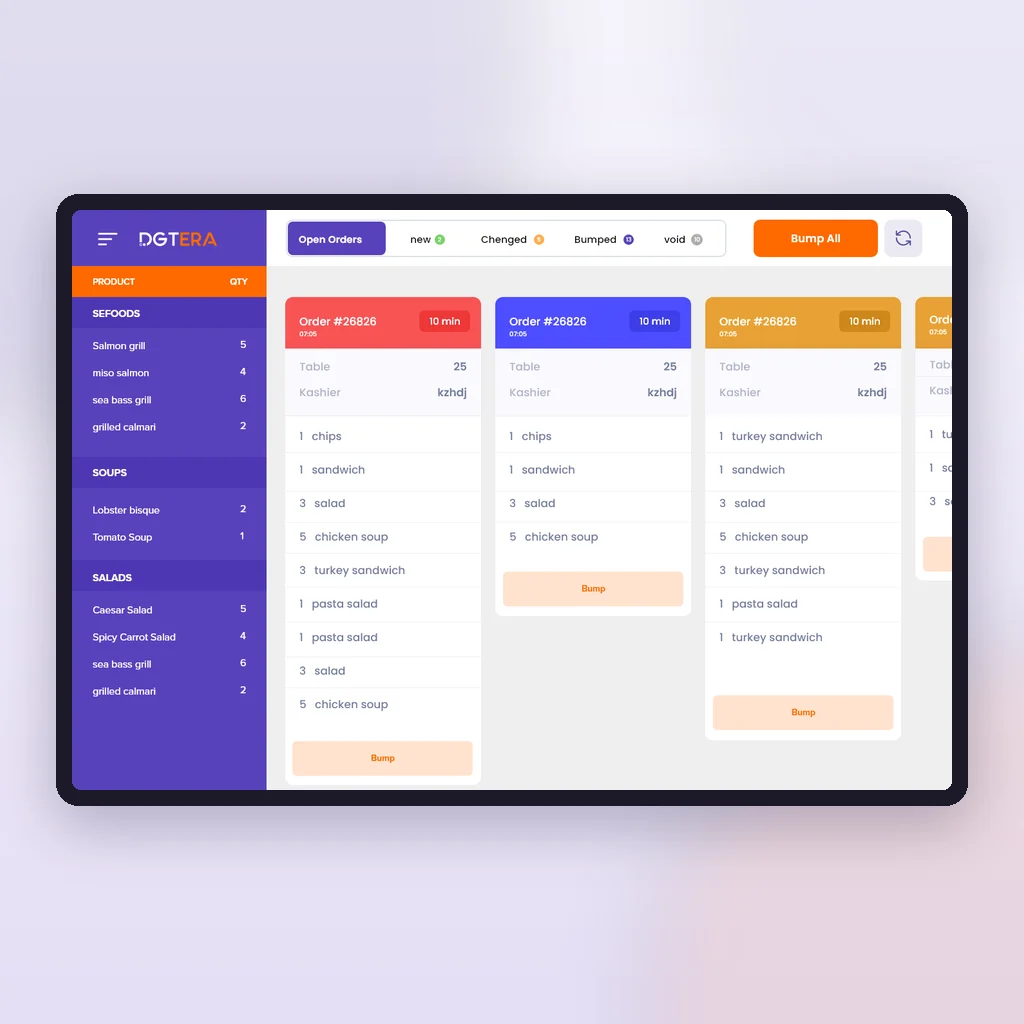
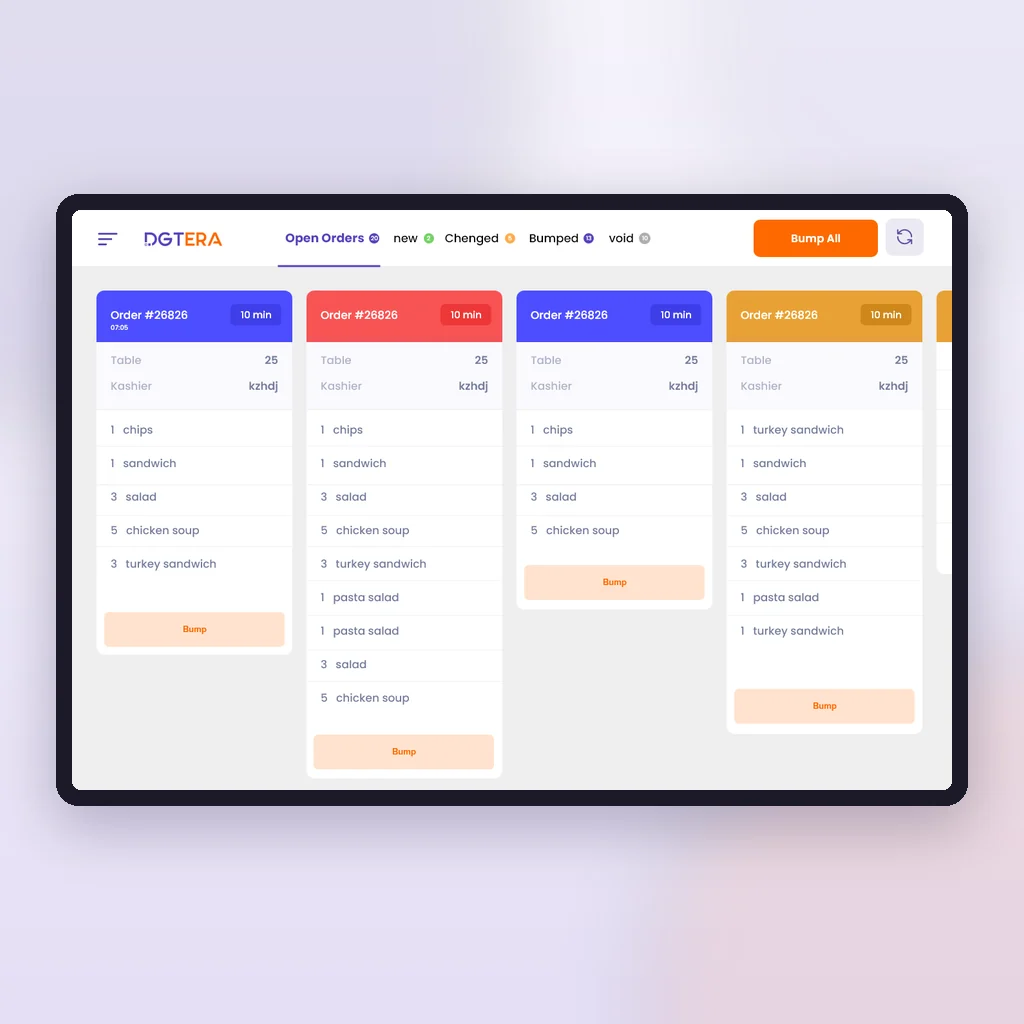
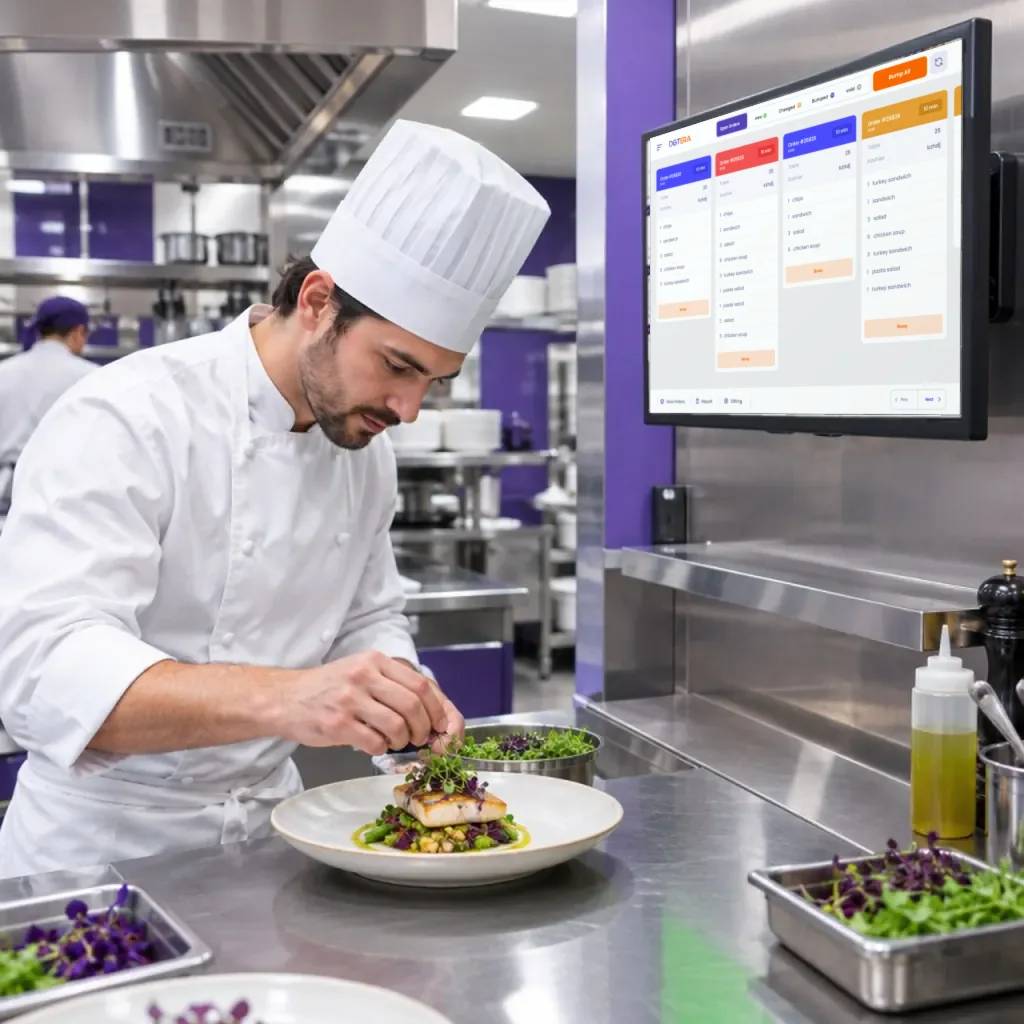
Orders move from the cashier straight to the kitchen display, so preparation starts with no paper and no delay.
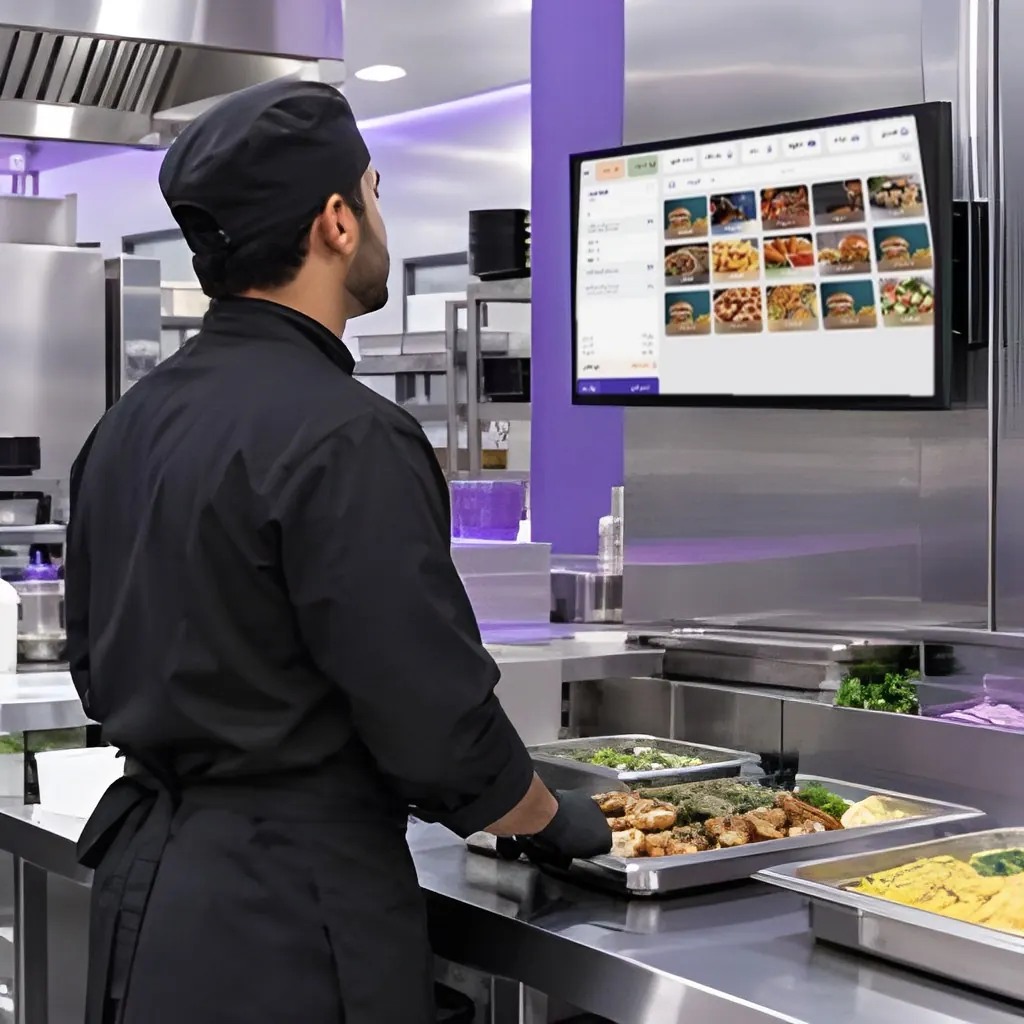
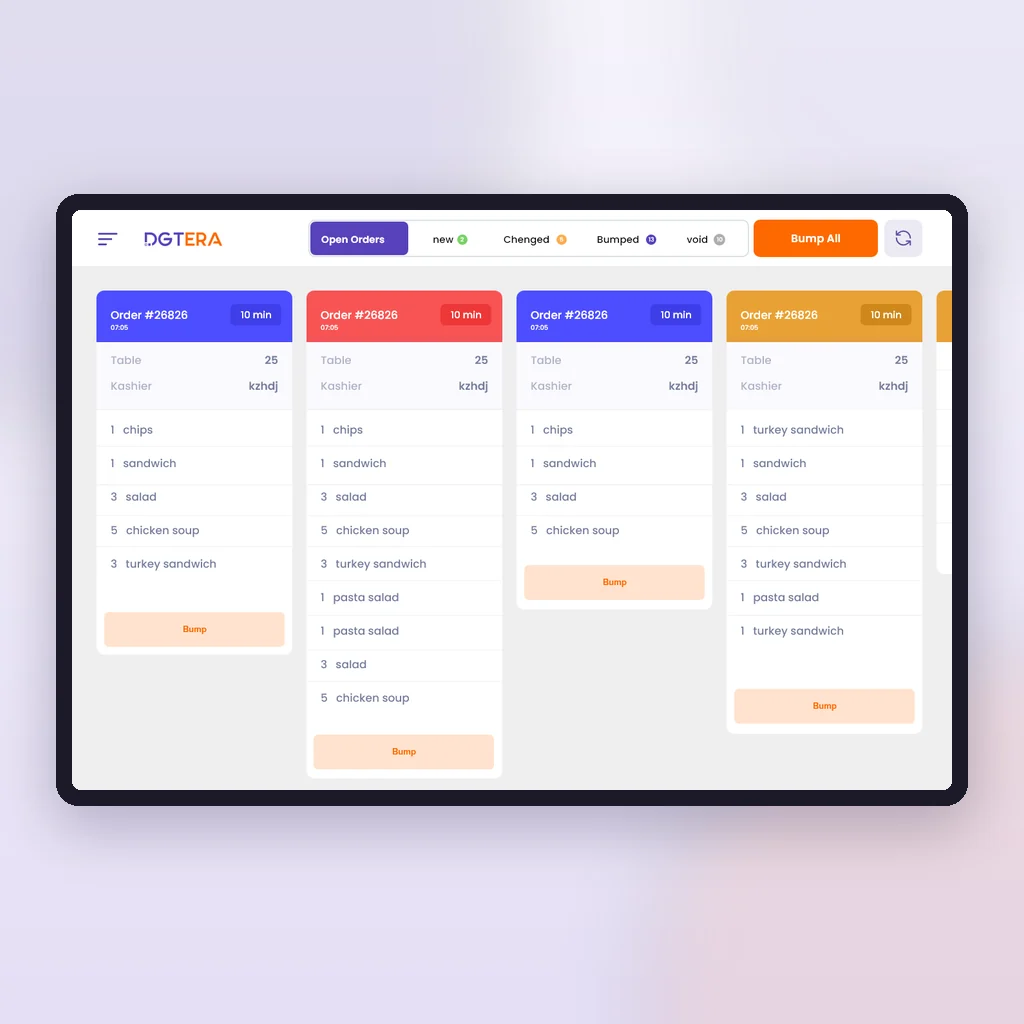
Instead of printed tickets and calling out orders, the kitchen display shows every order as soon as it is placed at the POS, the self-ordering kiosk or the digital menu, and the team updates its status until handover.
Orders appear on screen the moment they’re placed.
The team updates the status until handover.
Customers know when their order is ready.
Select a feature to see its details.
Swipe to see all features
Orders move from the cashier straight to the kitchen display, so preparation starts with no paper and no delay.
Orders move from the cashier straight to the kitchen display, so preparation starts with no paper and no delay.
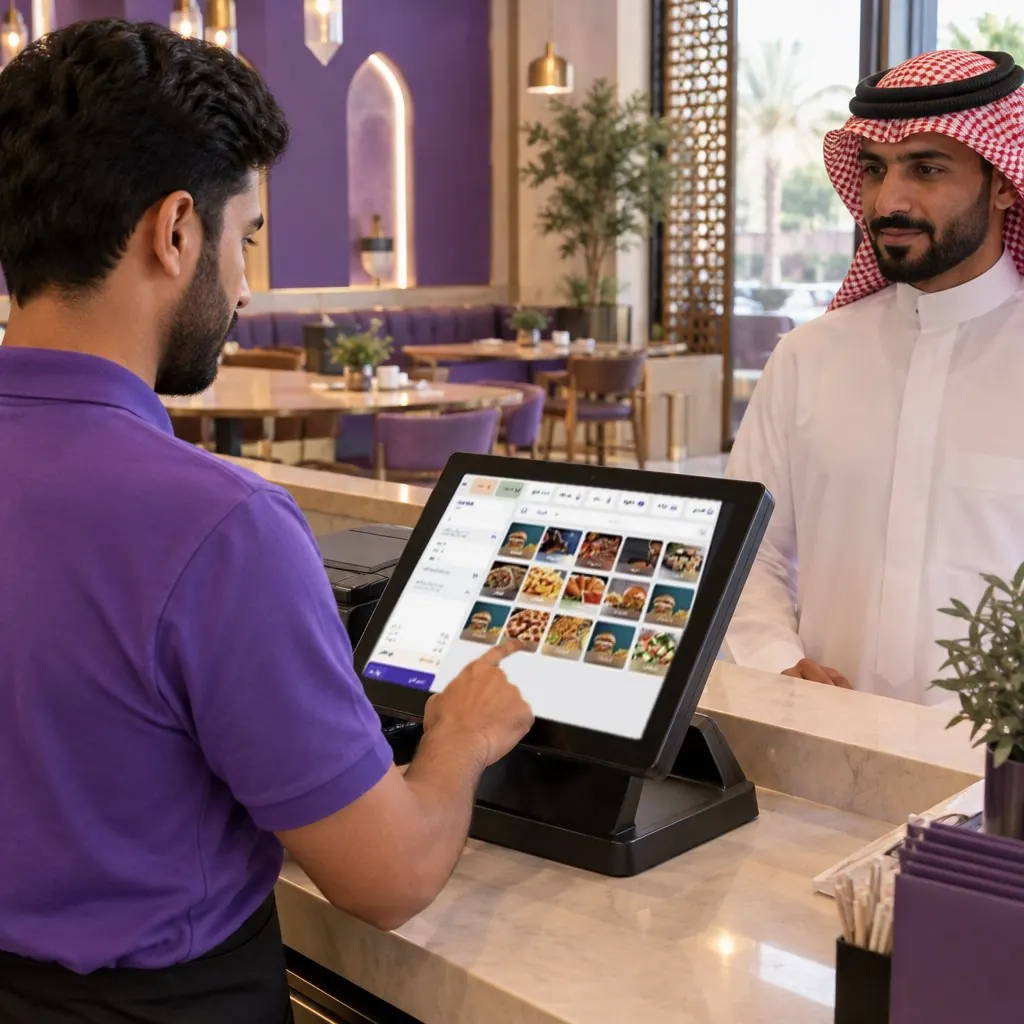
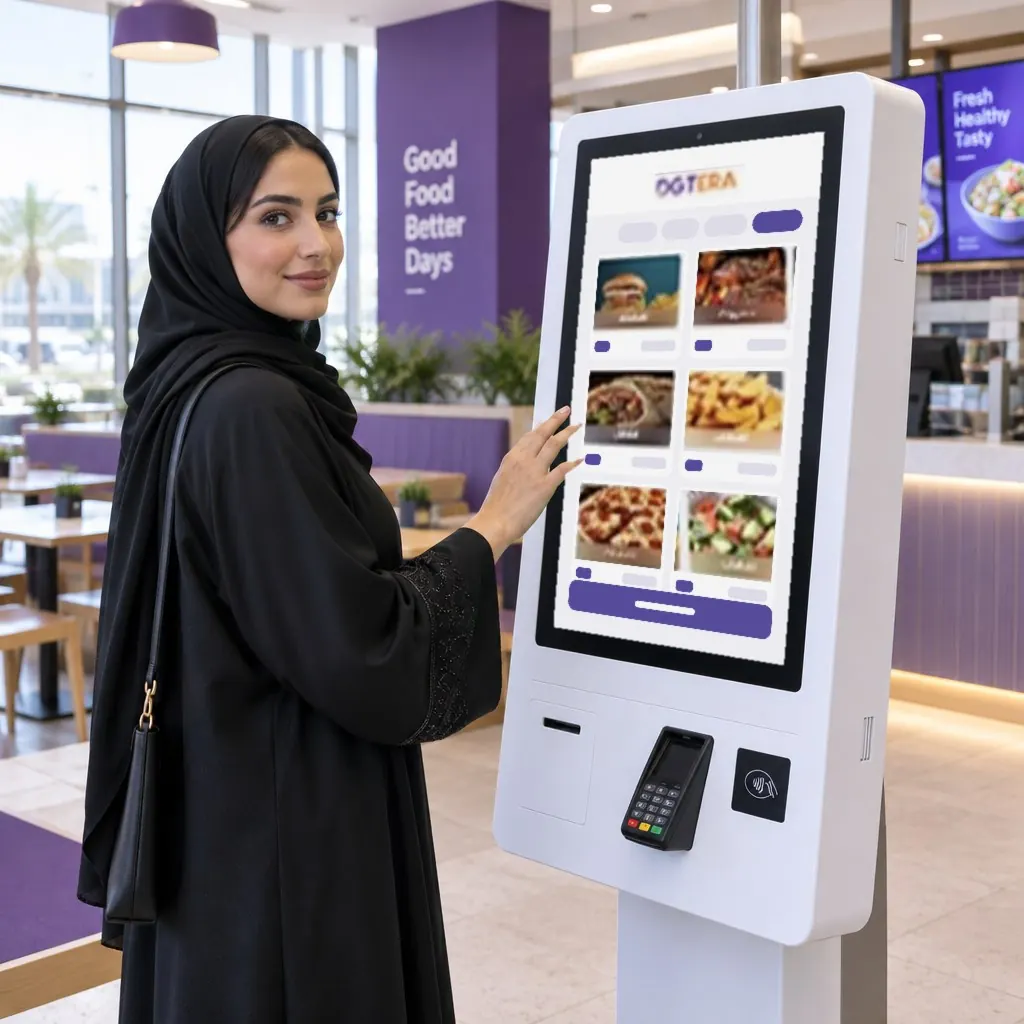
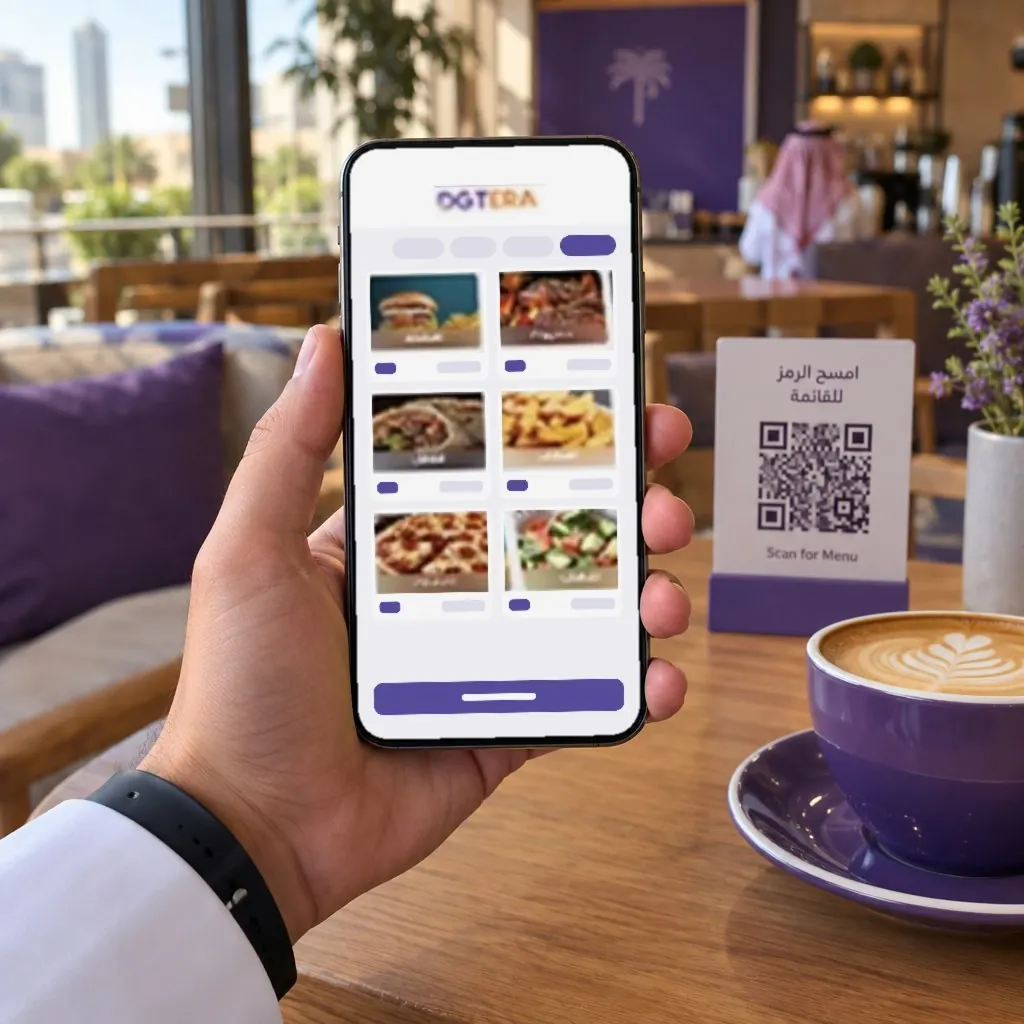
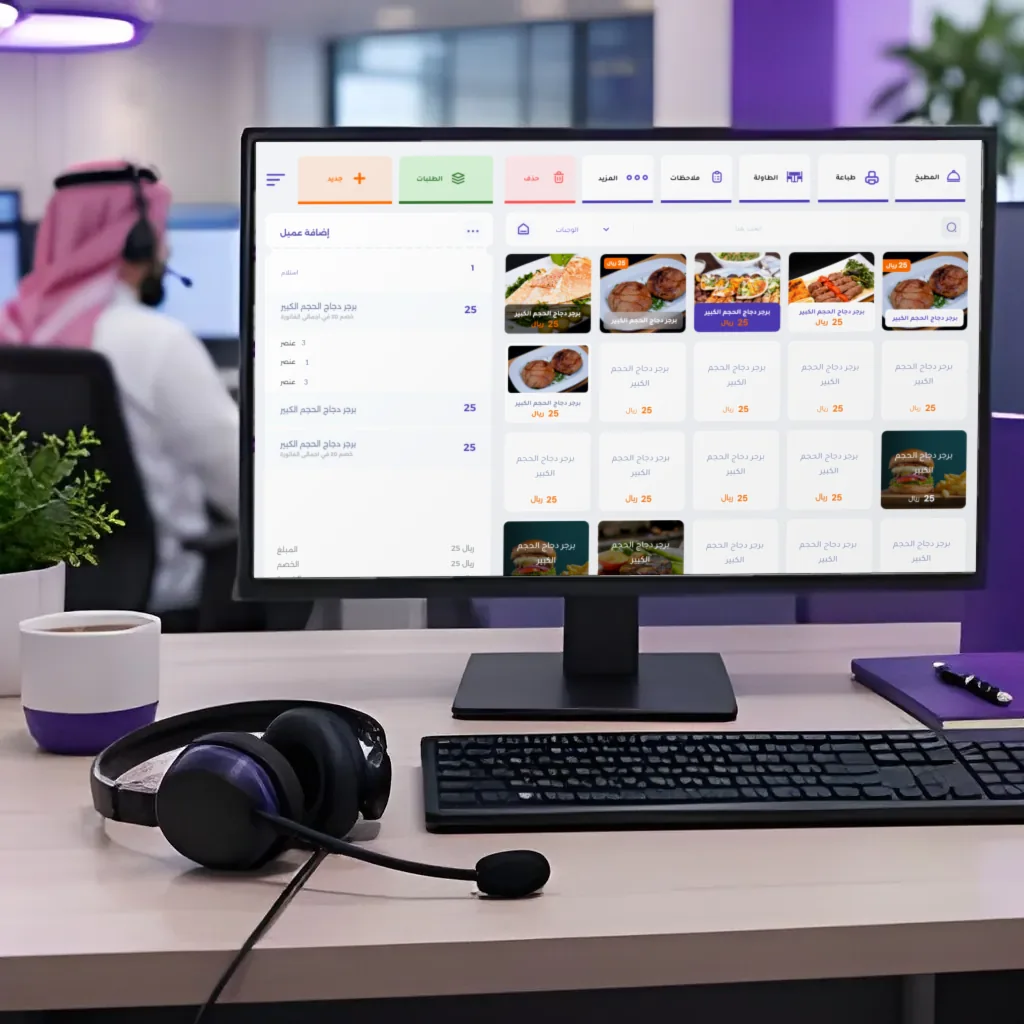
POS, self-ordering kiosk, digital menu and call center orders all appear on the same screen.
The team updates each order’s status from the kitchen display, and the update shows in the system in real time.
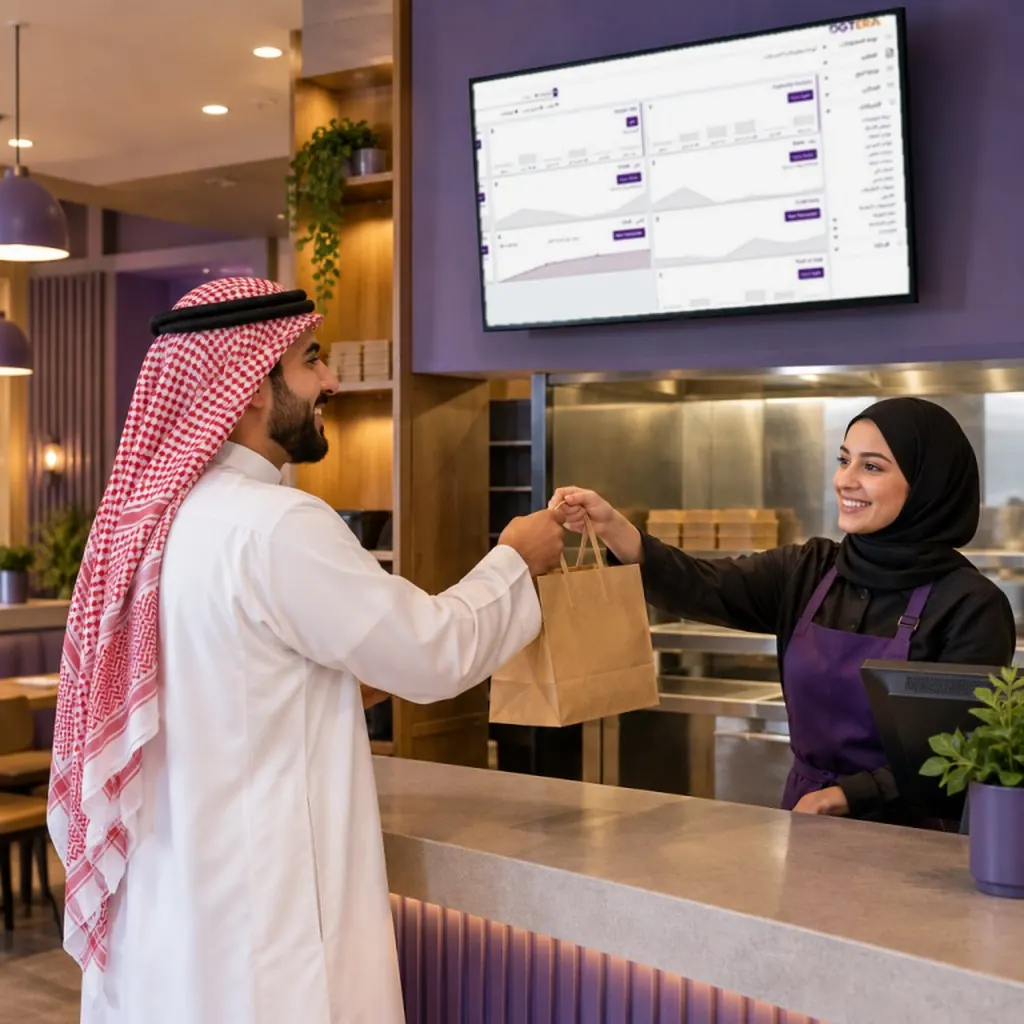
Customers know their order is ready from the cashier or a dedicated screen, so the team gets fewer questions.
Orders appear exactly as placed, with add-ons and notes, with no manual relay between the floor and the kitchen.
From setup to your first order, the DGTERA team is with you every step of the way.
We choose the kitchen displays and connect them to the system.
POS, self-ordering, digital menu and call center.
Chefs learn to update order status.
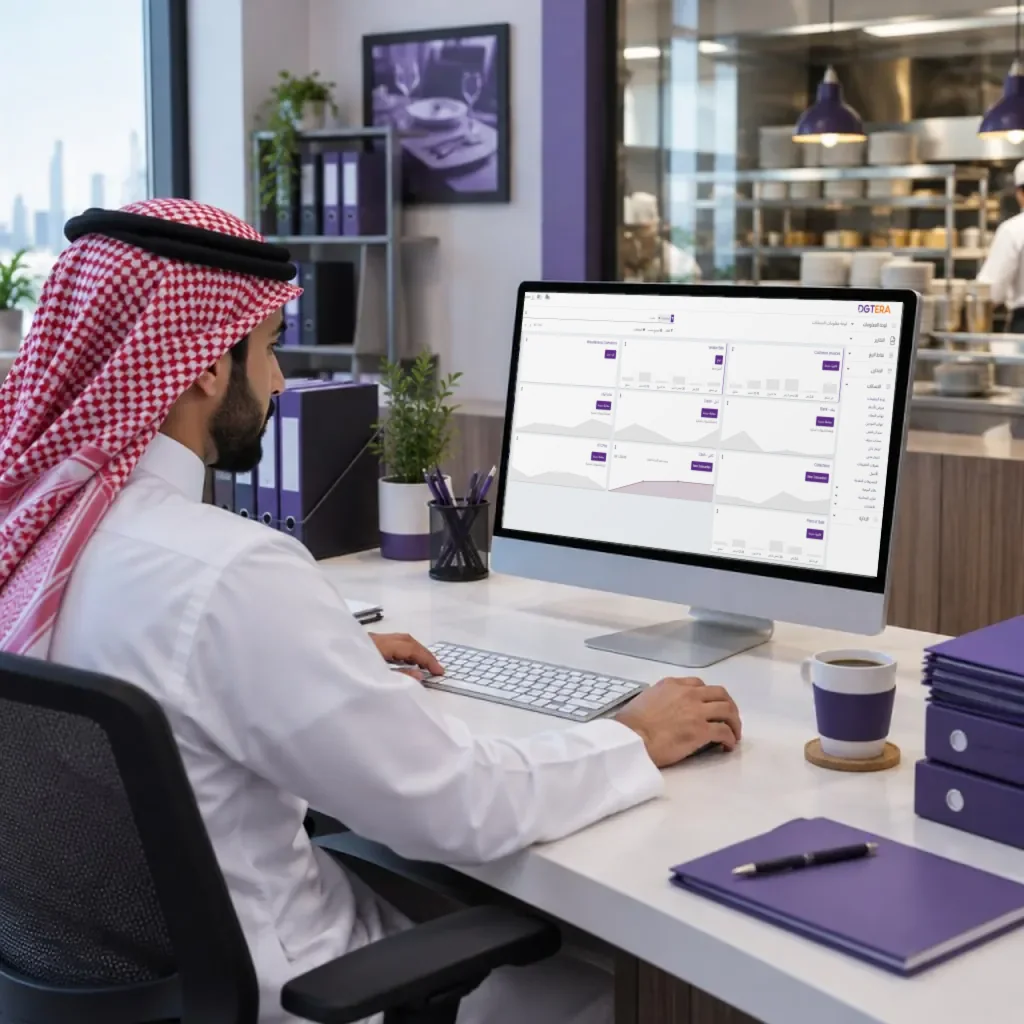
Orders and their status in the system, live.
“Honestly, quick response and excellent service… as soon as we reported an issue, it was solved the same day.”
Yes, POS, self-ordering kiosk, digital menu and call center orders all reach the same screen.
Yes, order status updates from the kitchen display, and customers know when to collect from the cashier or a dedicated screen.
Leave your details and the DGTERA team will walk you through the system based on how your restaurant works.
Or call us on 920 012 379